TapDeck
Mac · macOS 14 or later
Middle-click with three fingers. Open a link in a new tab, close one when you're done, all from the trackpad you're already using.
Features
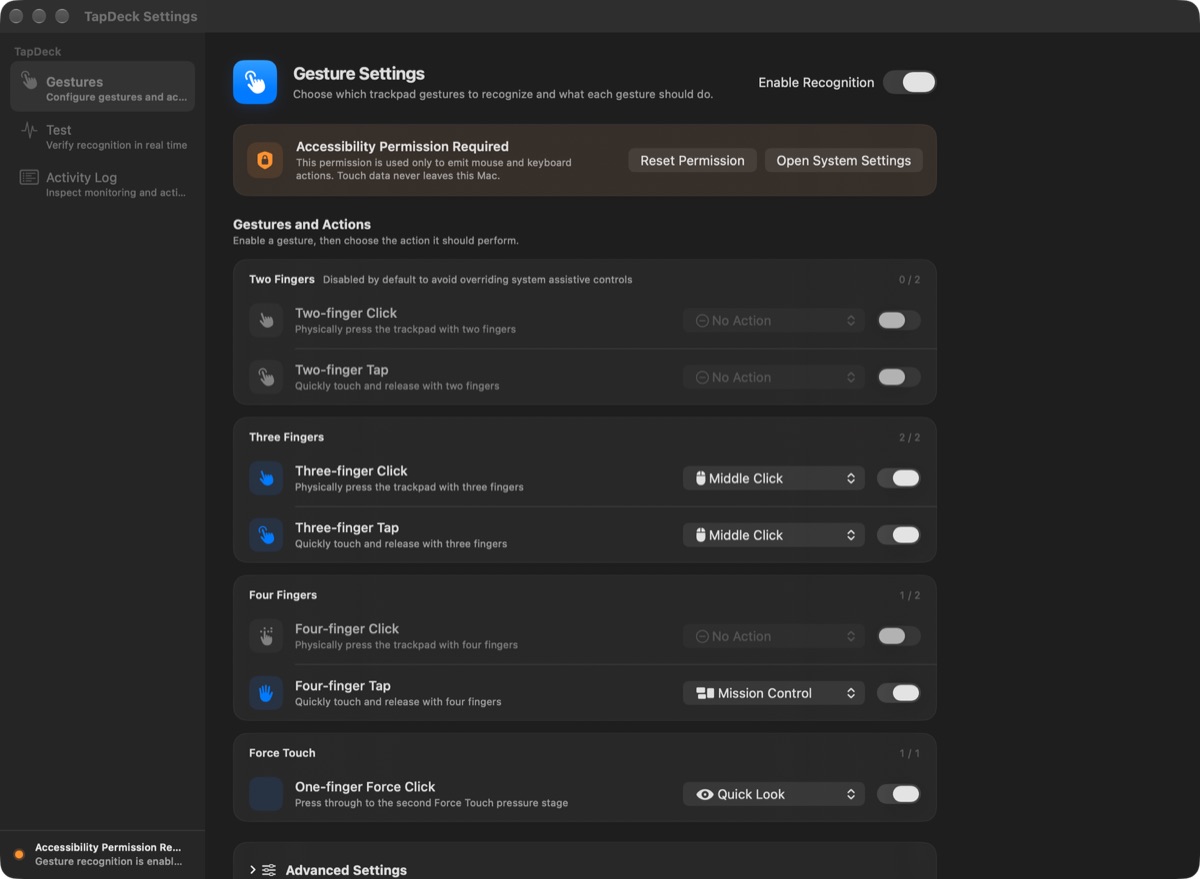
- Recognizes two-, three- and four-finger taps and clicks, plus a one-finger Force Click on Force Touch trackpads
- Map each gesture to a left, middle or right click, Quick Look, Mission Control, App Exposé, Show Desktop, or opening an app
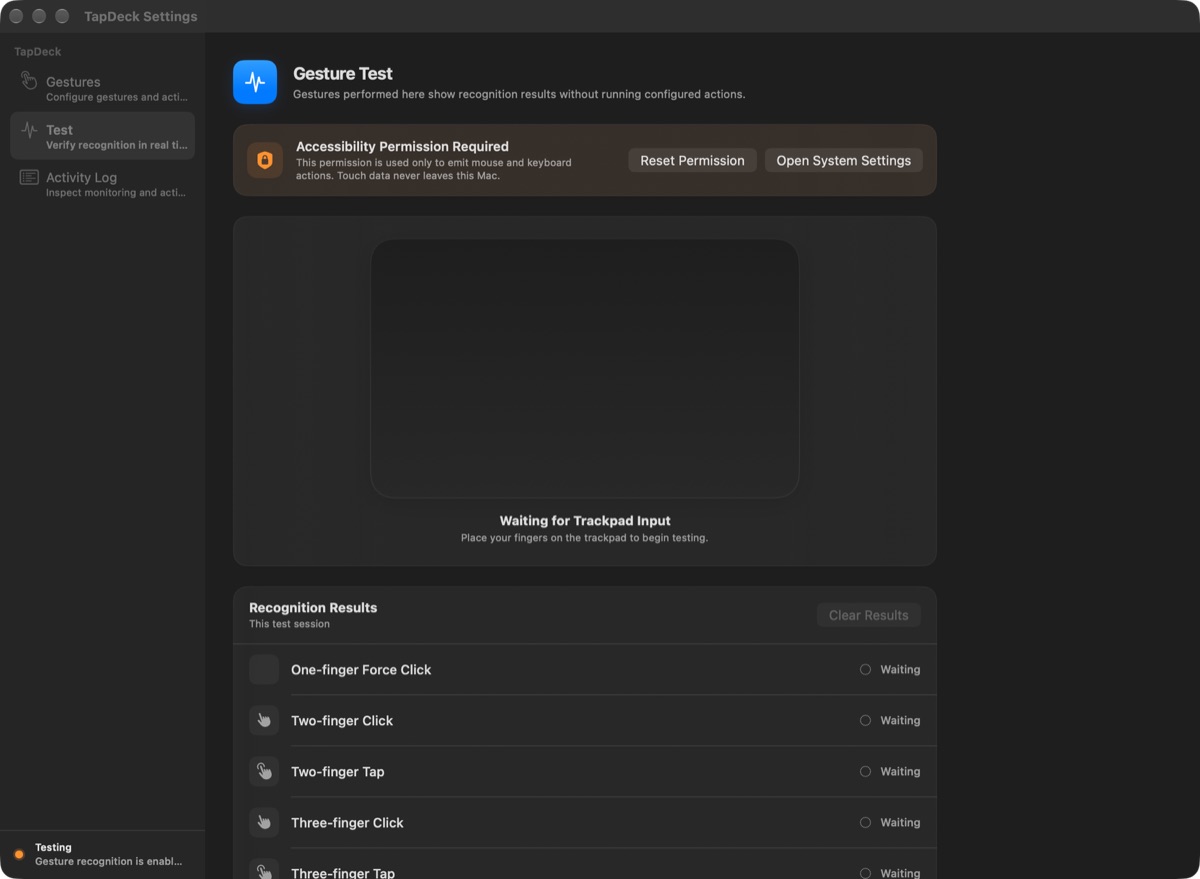
- A live Gesture Test that shows what’s recognized without running any actions
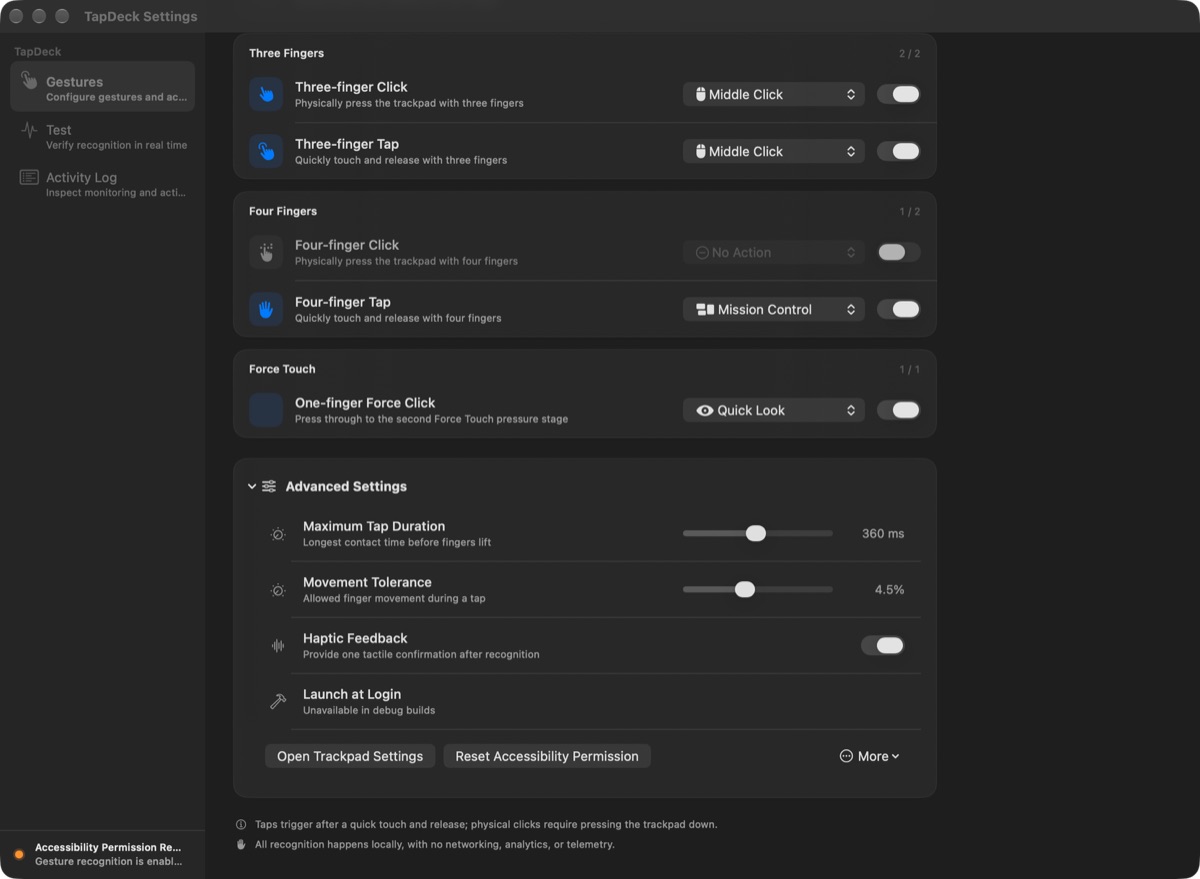
- Adjustable tap duration, movement tolerance and haptic feedback
- Runs in the background, with no Dock or menu bar icon
- Written in Swift and SwiftUI, in English and Traditional Chinese
Default gestures
| Gesture | Default action | |
|---|---|---|
| Three-finger tap or click | Middle click | Open links in a new tab |
| Four-finger tap | Mission Control | See your open windows |
| One-finger Force Click | Quick Look | Preview the selected file |
Two-finger gestures start disabled, so your usual macOS controls stay familiar.
Getting started
- Download the DMG from GitHub Releases and drag TapDeck into Applications.
- Open the app and allow it in System Settings → Privacy & Security → Accessibility.
- Try a three-finger tap. Use the Test page to check recognition first; test mode doesn’t perform the action.
Then close the settings window. The app keeps working in the background. To change something, open TapDeck again from Finder or Spotlight.
Requirements
- macOS 14 Sonoma or later
- A built-in Mac trackpad or Apple Magic Trackpad
- Multi-finger physical clicks need pressure support; one-finger Force Click needs a Force Touch trackpad
FAQ
What if three fingers also trigger Look Up? Turn off “Look up & data detectors” in macOS Trackpad settings, or disable the three-finger tap in TapDeck.
Does anything leave my Mac? No. Touch processing, preferences and optional activity logs stay on your Mac. The app has no networking code, analytics or cloud dependency.
Why isn’t it on the Mac App Store? Global multi-finger recognition uses Apple’s private MultitouchSupport framework, so the app is distributed directly through GitHub. macOS updates can affect recognition; check the release notes when updating your system.
TapDeck is open source, and you can also build it from source.
 RilaCam
 DNS Security Pro
 Syscope
 CleanClip