
DNS Security Pro
iPhone · iPad · Mac
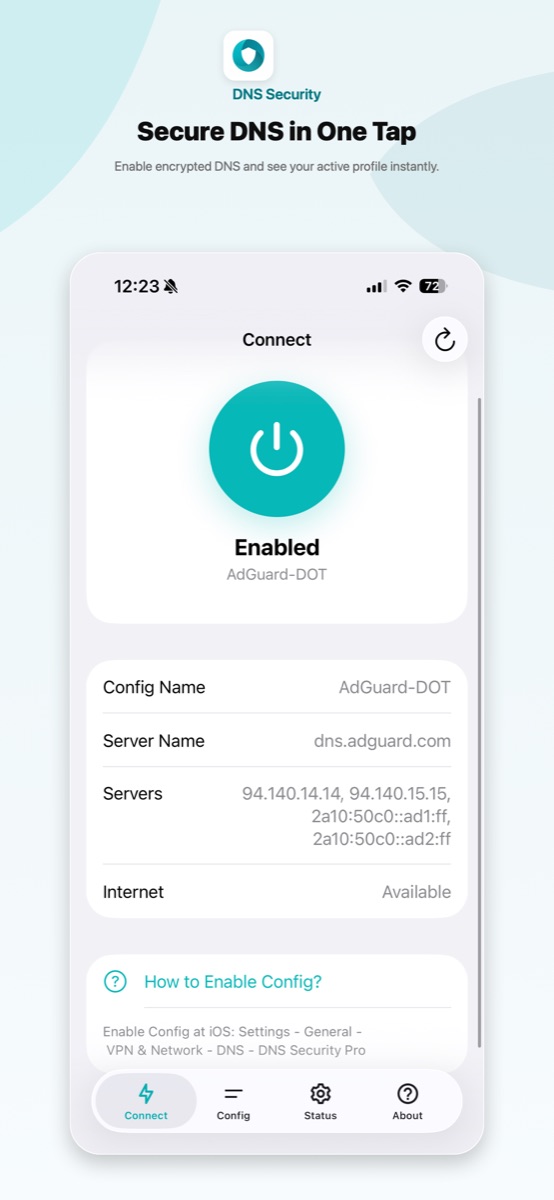
Turn on encrypted DNS (DoH/DoT) for every app on your device in one tap, without routing your traffic through a VPN server.
No VPN, no traffic routing, no data collection. Built on Apple’s encrypted DNS.
Features
- One-tap encrypted DNS: turn on DNS over HTTPS or DNS over TLS from the Connect tab, then confirm the DNS profile in Settings.
- Trusted DNS providers: ready-made profiles for Cloudflare, Google Public DNS, AdGuard DNS, Quad9 and more, including malware and family filters.
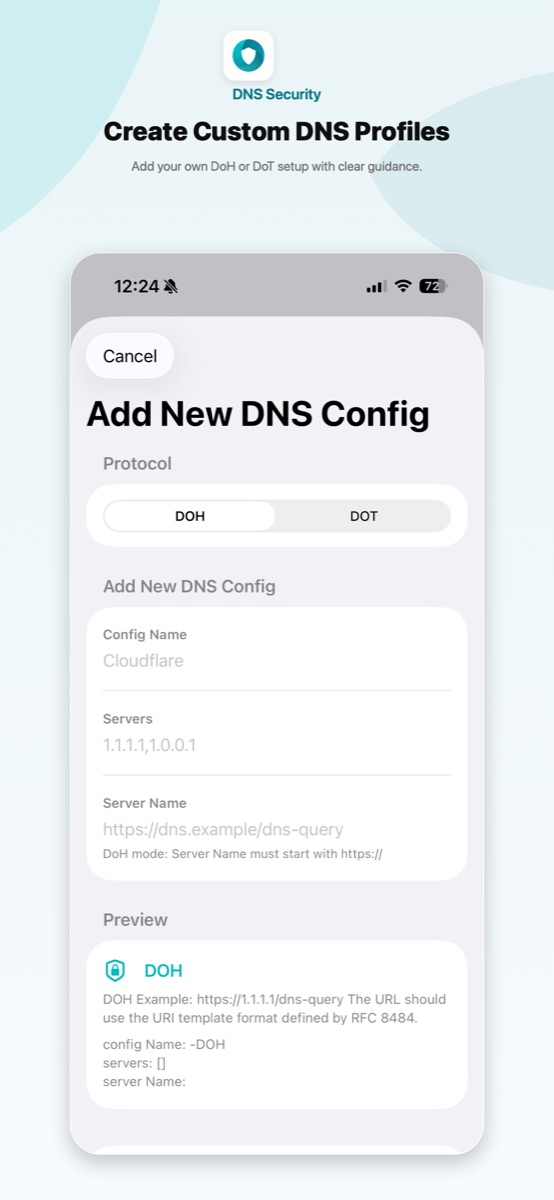
- Custom DNS profiles: add your own DoH or DoT server, with built-in validation for server addresses and names.
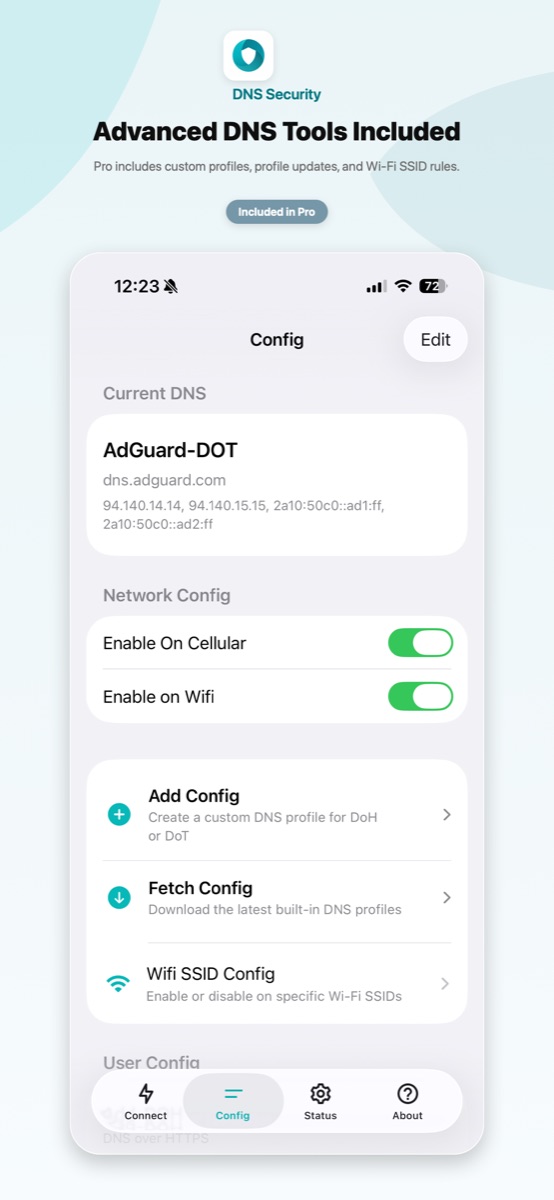
- Wi-Fi SSID rules: decide which Wi-Fi networks use encrypted DNS, for example off at home and on everywhere else.
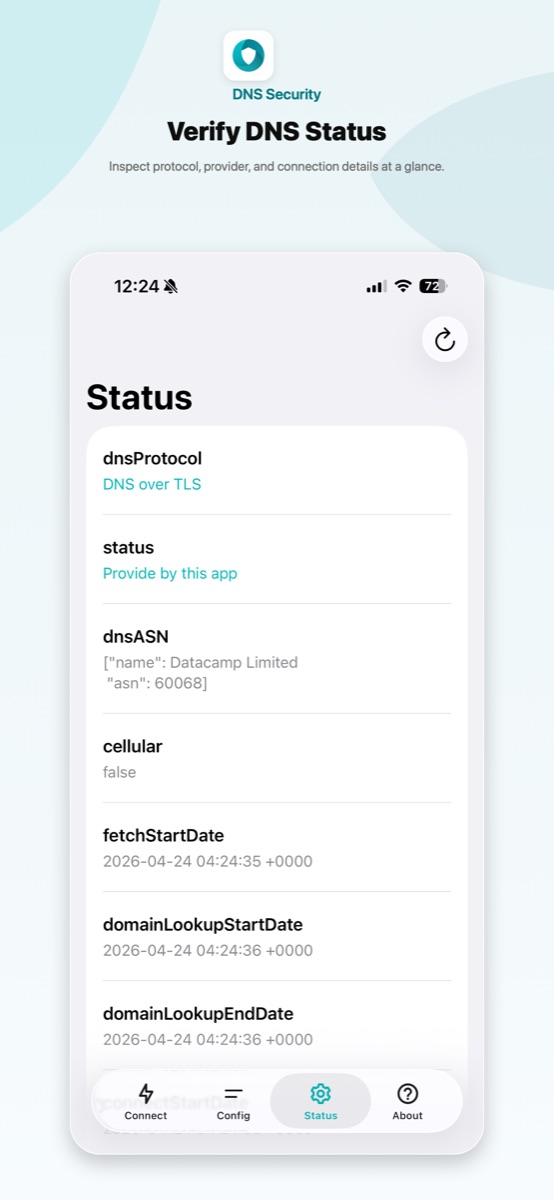
- DNS status check: see the active profile, protocol, proxy state and network status at a glance.
- Shortcuts support: switch DNS profiles from Shortcuts or the URL scheme and automate your setup.
How DNS Security protects you
Every time you open a website or an app connects to a server, your device first asks a DNS resolver for its address. Normal DNS sends these questions in plain text, so anyone on the network, including public Wi-Fi operators and internet providers, can read or change them.
DNS Security configures Apple’s system encrypted DNS so these lookups go over DoH or DoT to the provider you choose. Only DNS is affected, so your speed and other traffic stay exactly as they were.
How to enable
- Pick a built-in provider in the Config tab, or add your own.
- Turn on the switch in the Connect tab.
- Go to iOS Settings → General → VPN & Network → DNS and select DNS Security.
On Mac, enable it in System Settings → Network → VPN & Filters → Filters & Proxies.
Pro and Lite
Both apps use the same encrypted DNS engine. DNS Security Pro is a one-time purchase with everything included (custom profiles, Wi-Fi SSID rules, Shortcuts). There is also a free DNS Security Lite with an in-app purchase to unlock Pro.
 TapDeck
 RilaCam
 Syscope
 CleanClip